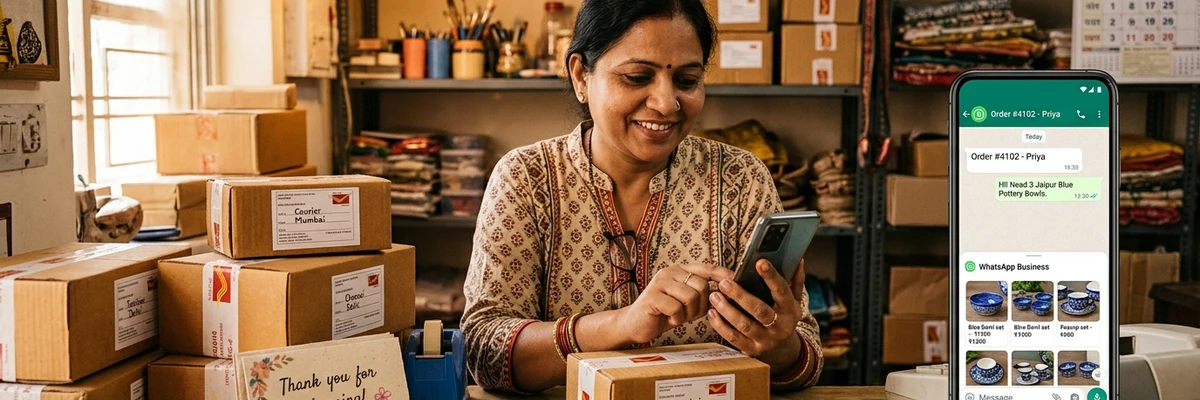
Simple steps to help customers in your area find your shop or service on Google Search and Google Maps.
When someone nearby needs a plumber, a dentist or a place to buy tiles, they usually pick up their phone and search. If your business shows up, you get the call. If it does not, a competitor does. Local SEO is the practice of making your business easy to find in those searches, and most of it is free.
What is local SEO?
Local SEO helps your business appear when people search for something "near me" or include a place name, such as "bakery in Kanjirappally." Google uses three main signals: how relevant your business is to the search, how close it is to the searcher, and how well established it looks online.
Step 1: Claim and complete your Google Business Profile
This is the single most valuable thing you can do. Search for your business on Google Maps, claim the listing, and fill in every field:
- Exact business name, as it appears on your signboard
- Accurate address and a map pin in the right place
- Phone number you actually answer
- Opening hours, including holidays
- The right main category, plus any secondary categories
- A short description of what you offer
- Good photos of your shopfront, interior, products or work
Step 2: Keep your details identical everywhere
Your business name, address and phone number should be written the same way on your Google listing, website, social media pages and directories. Inconsistent details confuse search engines and customers.
Step 3: Collect genuine reviews
Reviews are a major ranking factor and a major reason people choose you. After a job is done well, ask the customer to leave a short review and send them the link. Reply to every review, thanking people for good ones and responding calmly and helpfully to complaints. Never buy or write fake reviews.
Step 4: Get listed in trusted local directories
Listings on reputable local sites tell search engines that your business is real and established. Make sure you are in the ABC business directory with a complete profile, including your address, contact details, description and photos.
Step 5: Mention your area on your website or page
If you have a website, include your town and the areas you serve in your page titles and text, for example "Interior design in Kanjirappally and Ponkunnam." Write for people first. Clear, useful pages work better than keyword stuffing.
Step 6: Post updates and offers
Share new products, offers and events on your Google profile and social pages. Regular activity shows that your business is open and active.
Step 7: Make your site work well on a phone
Most local searches happen on mobile. Pages should load quickly, text should be easy to read, and your phone number and address should be one tap away.
How long does it take?
Updating a Google Business Profile can show results within days or weeks. Building up reviews and an online presence is gradual, so treat it as a habit rather than a one-time task. Ten minutes a week is enough to stay ahead of most local competitors.